Device Refresh Program
Keeping your computers current
DGIT's Device Refresh Program ensures that your computer can keep up with the demands of your day-to-day tasks and meet the security requirements needed to protect your hard work.
With this program, we'll be replacing the primary computer for eligible staff and faculty with a new standard computer every on a regular cadence. This allows us to provide better support for these devices and ensure they remain secure, reliable, and compliant per UCLA Health standards. Please note, all devices refreshed under this program will be considered DGIT-managed devices.
Alert
General guidelines:
- One Device per Person: Each eligible FTE receives one (1) DGIT-managed computer.
- New or existing devices may be purchased and upgraded at the cost and discretion of the participating unit.
- Standardization: Devices will be selected from DGIT-approved hardware recommendations.
- We recommend laptops particularly for remote/hybrid employees.
Available device configurations
The following devices are available within the refresh program. Choosing a device not listed below will fall outside of this program and will need to be purchased with your department's approval.
Laptops
Dell Pro 16 Plus
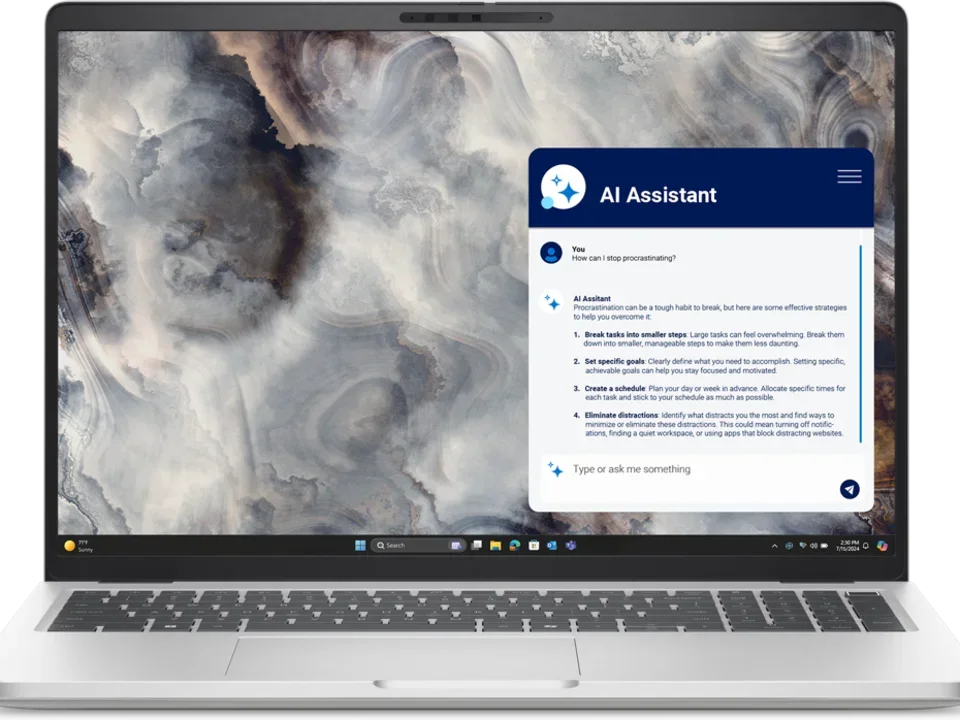
Details & Specifications
Technical Specifications
- Windows 11 Enterprise
- Intel® Core™ Ultra 7 268V, vPro® (8 cores, up to 5.0 GHz Turbo)
- 32GB DDR5 RAM
- 512GB M.2 PCIe NVMe SSD
- 16 Inch Screen with Webcam and Microphone
Dell Pro 14 Essentials
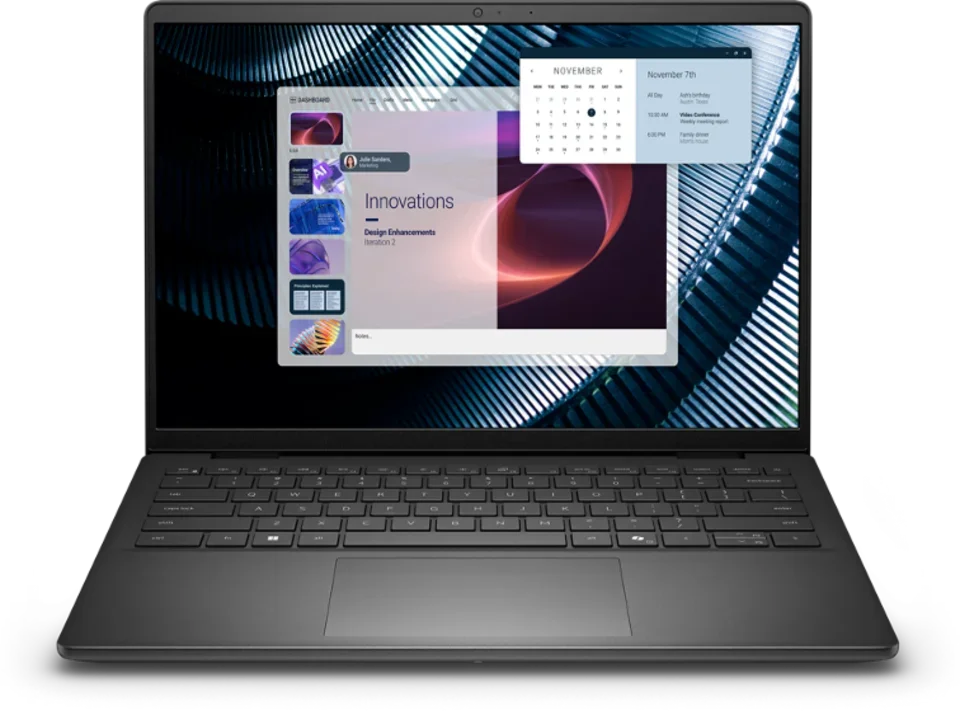
Details & Specifications
Technical Specifications
- Windows 11 Enterprise
- Intel Core 7-150U, 10 cores
- 16 GB DDR5 RAM
- 1 TB M.2 PCIe NVMe SSD
- 14 Inch Screen with Webcam and Microphone
Dell Pro 14 Plus
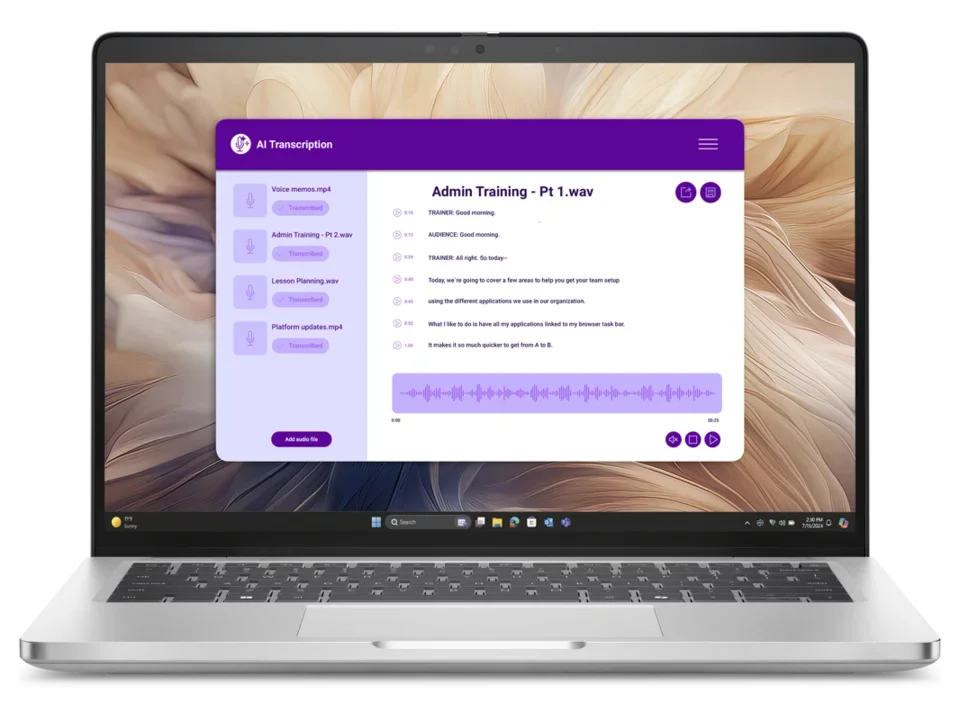
Details & Specifications
Technical Specifications
- Windows 11 Enterprise
- Intel® Core™ Ultra 7 266V, vPro® (8 cores, up to 5.0 GHz Turbo)
- 16 GB DDR5 RAM
- 256GB M.2 PCIe NVMe SSD
- 14 Inch Screen with Webcam and Microphone
Dell Pro 14 Premium
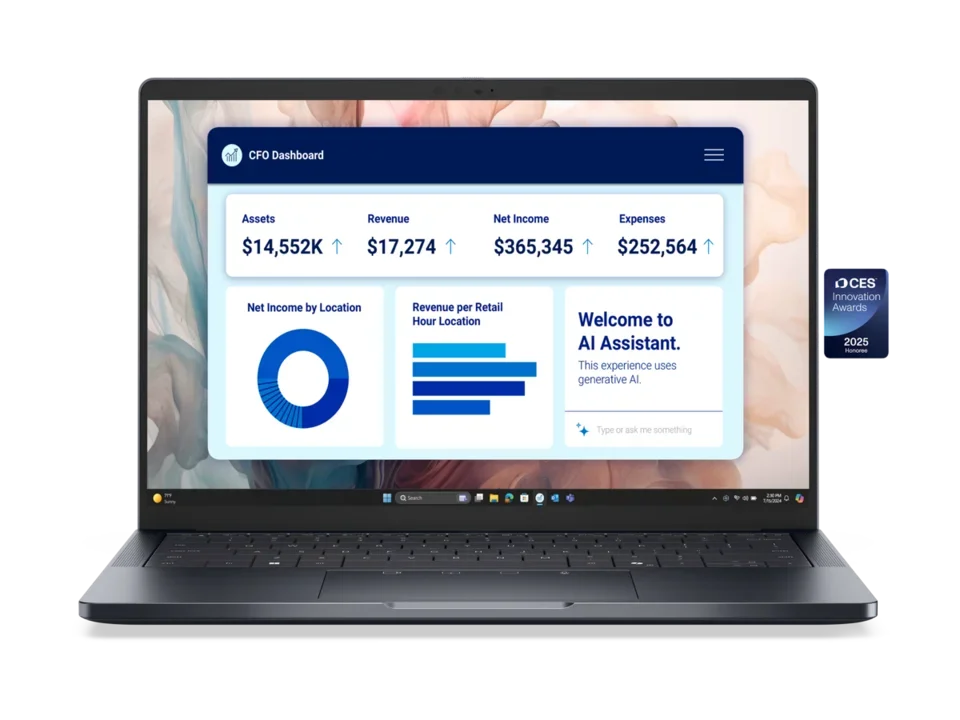
Details & Specifications
Technical Specifications
- Windows 11 Enterprise
- Intel® Core™ Ultra 7 266V, vPro® (8 cores, up to 5.0 GHz Turbo)
- 16 GB DDR5 RAM
- 256GB M.2 PCIe NVMe SSD
- 14 Inch Screen with Webcam and Microphone
MacBook Air 13
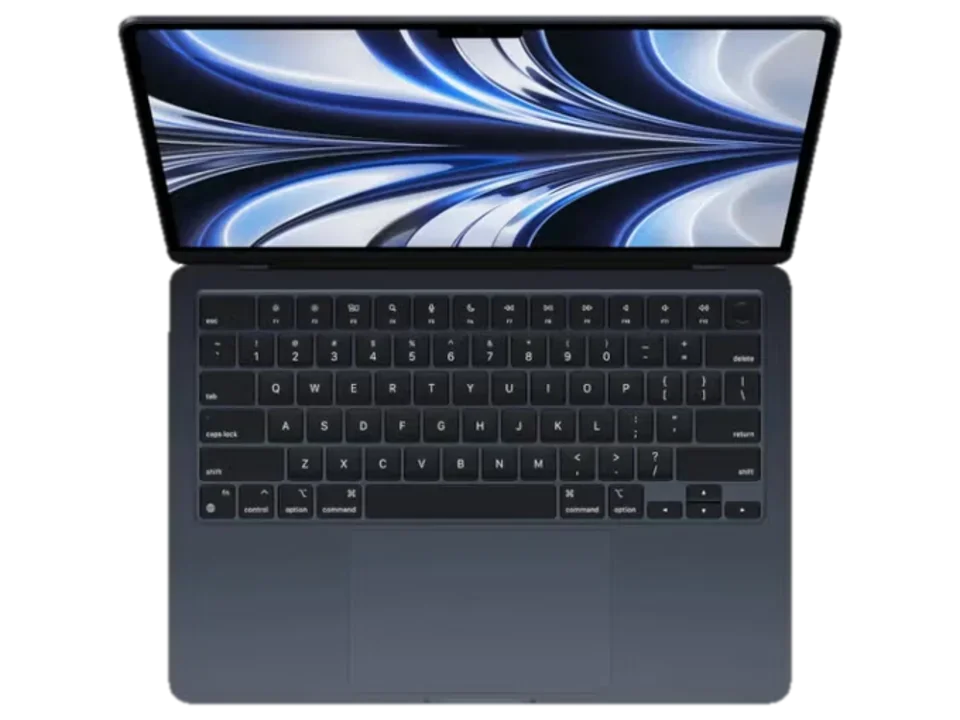
Details & Specifications
Technical Specifications
- Mac OS X
- Apple M4 Chip – 10-Core CPU, 10-Core GPU
- 16GB Unified Memory
- 512GB SSD
Desktops
Dell Pro Slim Plus
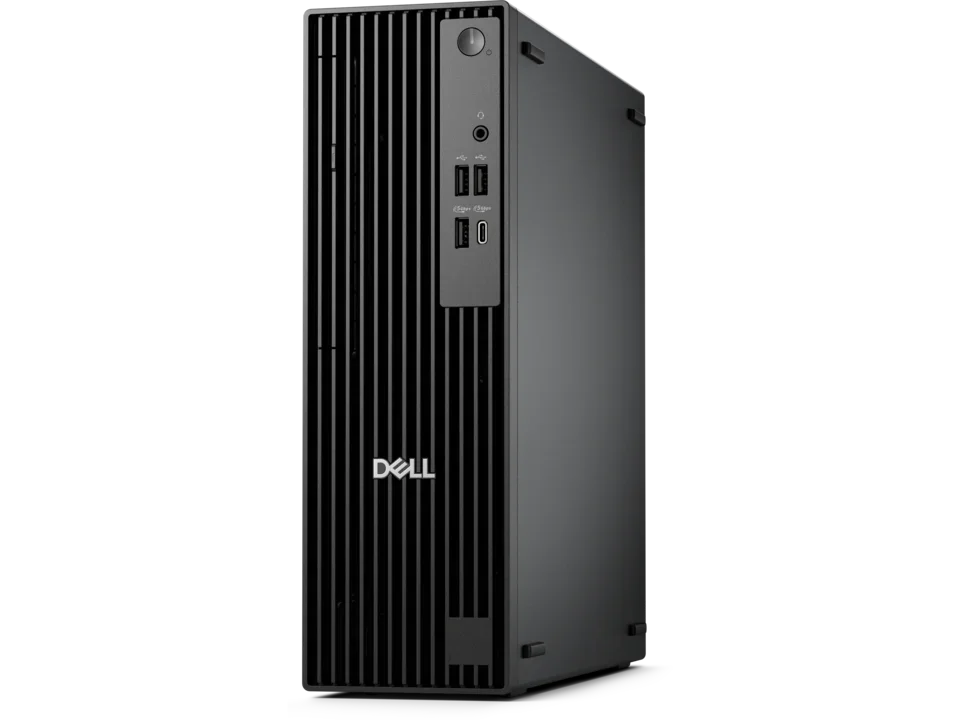
Details & Specifications
Technical Specifications
- Intel Core Ultra 7 265 vPro® (20 cores, up to 5.3GHz)
- 16 GB DDR5 RAM
- 512 GB SSD M.2 PCIe NVMe SSD
- AMD Radeon™ RX 6300 2GB GDDR6
- DVD Writer
Why standardizing devices makes us more secure
Standardizing devices across the organization ensures that all devices can meet the specification requirements of the tools and applications used across UCLA Health without impeding on its performance. Meaning you can take advantage of new features without sacrificing speed and efficiency. A standard computing environment also allows our teams to better support your needs.
We understand that some areas will require a device outside of these standards and, while those will not be included in this program, will continue to be supported.
Preparing for your refresh
Keep an eye out for our emails
We'll reach out to you to schedule your refresh. In our email, you'll receive further information and a survey to choose the device that works best to match your current device and meet your needs. We ask that you respond to all emails in a timely manner to keep you in the scheduled refresh phase.
Back up important data
Make sure you have all your important data saved to be used on your new computer. To do this, we strongly recommend storing all of your files and folders on Box. If you save bookmarks on your web browser, export them and save the file to Box to be imported back into the new computer.
Create an inventory of apps
Before your device refresh, please create a list of the applications and paid software you’ll need on your new device and make sure you have access to the required licenses. Our teams can install common tools such as Microsoft 365 products or Box. Any other software will need to be reinstalled, so be sure to note what you’ll need ahead of time. If you'll need to purchase new licenses, please visit our Software Purchasing page to help streamline your purchase.
FAQs
Who is eligible to participate in the refresh program?
Full-time staff and faculty in participating departments are eligible to participate in this program.
Will I need to return my old device to get a replacement?
Yes. This program requires the exchange of your previous device for a new one. Our teams will properly e-waste your old device and remove it from our database to facilitate future support requests.
Will just my computer be replaced as part of this program?
Yes. Any accessories or peripherals will not be replaced as part of this program. To purchase peripherals, please reach out to your department. Please note, any accessories or peripherals purchased outside of our recommendations are not guaranteed to be compatible with the new standard devices. These will need to be replaced by your department.
For our recommendations on monitors, visit the Monitor Recommendations page →
Can my new device come without DGIT security settings and tools?
No. All new devices will receive the standard DGIT configuration which includes a full-disk encryption, required security tools/settings, and centralized update management system.
What if the standard devices listed don't meet my needs?
The standard devices listed are the only devices offered as part of this program. If you need a different device, please visit out Hardware recommendations page to find additional devices that have been tested and approved for use at UCLA Health. This purchase will fall outside of this program so please work with your department and submit an order on the Computer Hardware/Software form when you're ready!
I haven't received an email. When can I get a refreshed device?
Our teams conduct an annual review of devices eligible for upgrade within participating departments. After identifying eligible devices, replacements are scheduled according to device age. Although updates may not occur immediately, we strive to replace aging devices in a timely manner.